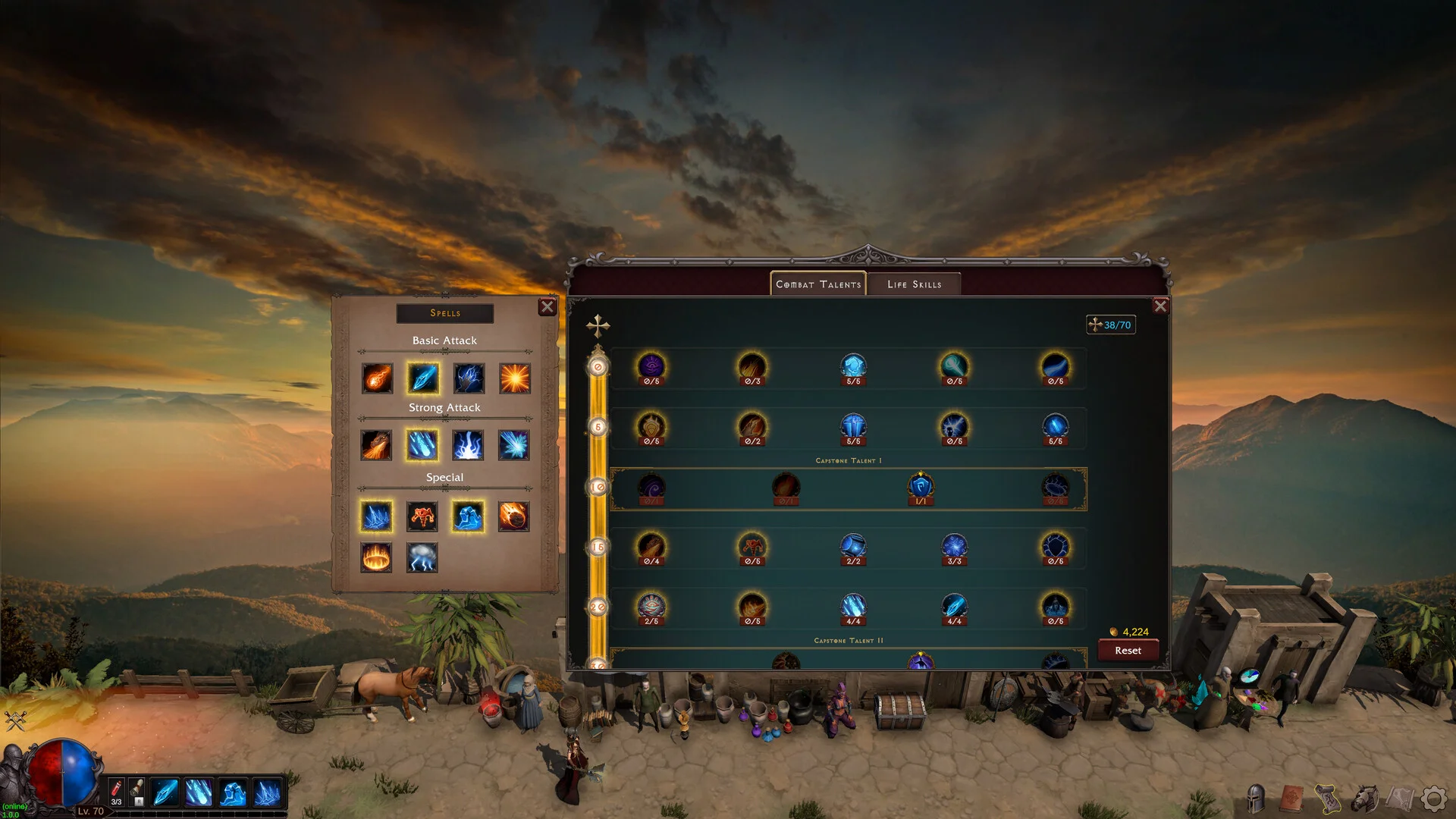
The shortcuts you will use most
| Key | Action |
|---|---|
| I | Open inventory |
| T | Open talents |
| M | Open map |
| S | Open abilities |
| J | Open minions |
| C | Open combat |
| R | Return to town |
| Space | Collect loot |
| L | Lock the hovered inventory item |
| Esc | Close the current panel / open settings |
| Alt + B | Hide and mute the game (boss key) |
Change the boss key in settings
The boss key can be rebound; the other listed shortcuts are fixed in the current controls reference. If Alt + B conflicts with another desktop application, change this binding before a long session.
The boss key hides and mutes the game. It is not the same as closing the application or claiming offline expedition rewards.
Keep valuable items out of the cleanup pile
Hover an item and press L to lock it. This is useful when collecting several pieces for a rune set and clearing a crowded inventory. Review locked items periodically so the protected collection stays manageable.
Patch 1.0.0g adds Stash All and Take All controls to storage. If those controls are missing, check the installed game version.
Read the latest patch digest ↗